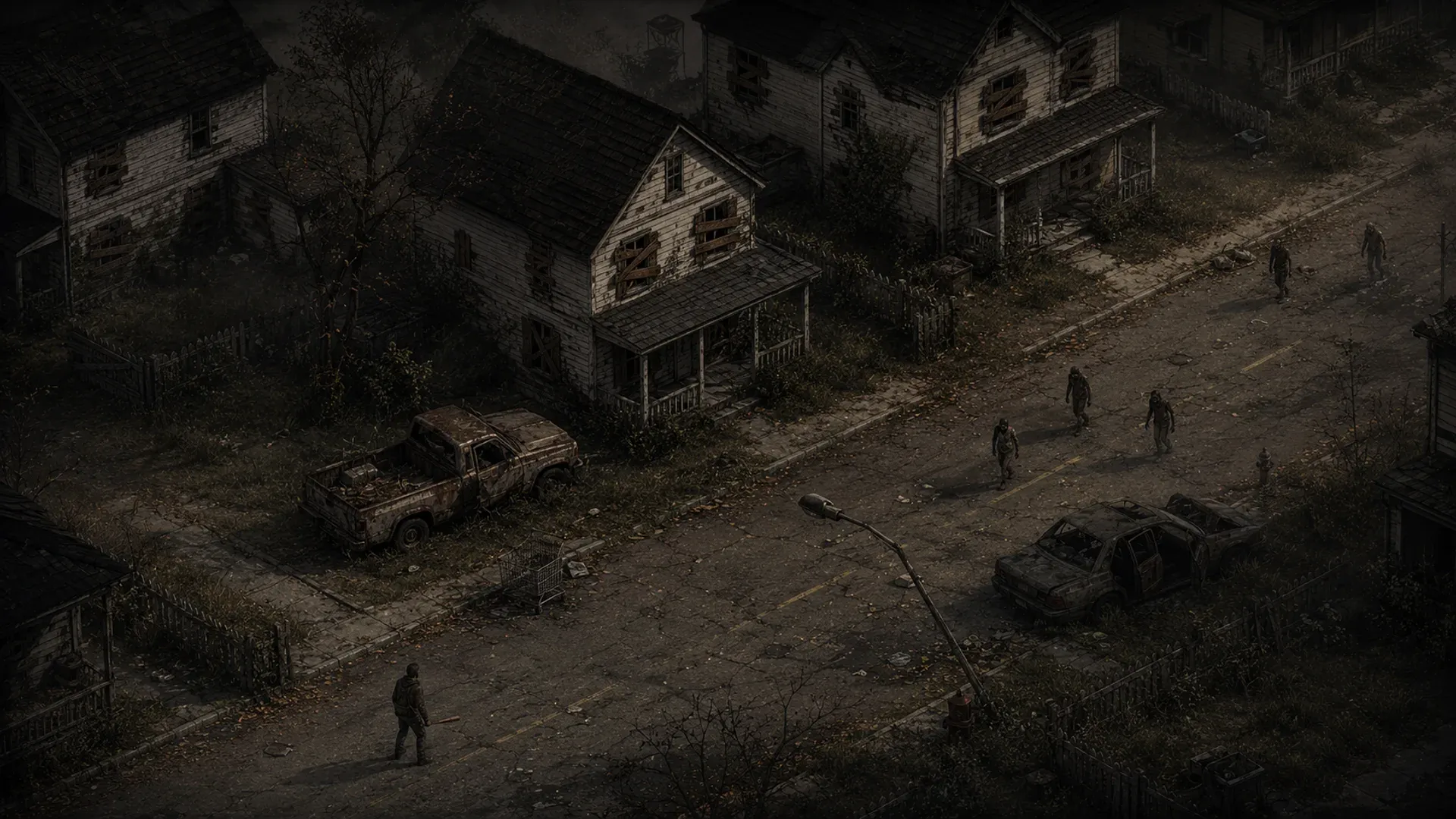
Project Zomboid on Flux On the Decentralized Cloud
Host Your Project Zomboid Server on the Decentralized Cloud
Host your own Project Zomboid dedicated server on the Flux decentralized cloud. Survive Knox County with friends 24/7 — full Steam Workshop mod support, RCON admin control, and no resets. Deploy across 50+ countries with DDoS protection and 99.9% uptime.
Why Choose Us
Experience the power of decentralized cloud infrastructure built on Web3 technology
Instant Deployment
Launch your game server in under 30 seconds with automated deployment
DDoS Protection
Enterprise-grade DDoS protection keeps your server online during attacks
Global Server Network
Choose from 50+ countries worldwide to minimize latency for players
24/7 Monitoring
Real-time performance monitoring with automatic alerts
Pay-As-You-Go Pricing
Only pay for resources you use with transparent, flexible pricing

99.9% Uptime
Distributed network architecture ensures maximum availability

Cost Effective
Save up to 70% compared to traditional cloud providers
Decentralized Infrastructure
No single point of failure across thousands of independent nodes
Manage Everything From One Dashboard
Full control of your Project Zomboid server from the browser — mods, admin, files and more. No Linux, no SSH.
Overview
server info & live hardware usage
Steam Workshop Mod Manager
Paste a Workshop link — the Mod ID is resolved automatically. No config editing.

RCON Admin Console
Kick/ban players, broadcast, save the world and run admin commands live.
Live Server Stats
Real-time players online, status and latency straight from the server.
File Manager
Browse, edit, upload and download your server files from the browser.
Sandbox & Server Settings
Tune PvP, population, loot, XP and hundreds of options — no SSH needed.
Backups & Restore
Snapshot your Knox County and roll back instantly if things go wrong.

One-Click Restart & Redeploy
Restart, update or redeploy your server with a single click.
Player Management
See who is online and manage whitelist, admins and bans in seconds.
Simple, Transparent Pricing
Choose the perfect plan for your community. Start playing in minutes.
Project Zomboid 8 Slots
Project Zomboid 16 Slots
Project Zomboid 32 Slots
We don't sell player slots. The player count on each plan is a guide to what its CPU and RAM handle comfortably, not a limit we enforce. Project Zomboid has no fixed cap: set Max Players to whatever your community needs, and remember a heavy mod list moves the ceiling far more than the slot number does.
*The first week is free for customers new to Flux Cloud: one free week per account, not per app or per server. It takes no card and ends on its own after 7 days unless you choose to keep the server. If you've deployed any app on Flux before, standard pricing applies. Our 30-day money-back guarantee covers your first paid month, whether or not you took the free week first.
Global Server Network
Your server runs on a decentralized network of 6,397 servers across 55 countries
 Germany1,500
 United States1,050
 Finland1,020
 France685
 Canada374
 Denmark366
 Poland220
 Russia180
 United Kingdom121
 Norway84
 Japan49
 Ukraine49
 Singapore44
 Chile42
 Australia42
 Switzerland41
 Romania39
 Sweden35
 Latvia34
 Italy31
 Slovakia21
 United Arab Emirates20
 Spain17
 Portugal17
 Hungary16
 Bulgaria15
 Belgium12
 South Africa10
 Malaysia10
 Argentina9
 Estonia8
 Hong Kong8
 Luxembourg6
 Ireland6
 Brazil5
 Israel5
 Greece4
 Moldova4
 Lithuania4
 Mexico3
 Slovenia3
 Vietnam3Germany1,500United States1,050Finland1,020France685Canada374Denmark366Poland220Russia180United Kingdom121Norway84Japan49Ukraine49Singapore44Chile42Australia42Switzerland41Romania39Sweden35Latvia34Italy31Slovakia21United Arab Emirates20Spain17Portugal17Hungary16Bulgaria15Belgium12South Africa10Malaysia10Argentina9Estonia8Hong Kong8Luxembourg6Ireland6Brazil5Israel5Greece4Moldova4Lithuania4Mexico3Slovenia3Vietnam3
Project Zomboid Hosting Guides
Everything you need to set up, size and share your Project Zomboid dedicated server.
Frequently Asked Questions
Everything you need to know about our hosting service
Still have questions?
Join our Discord community →