
RuneScape: Dragonwilds Server Hosting On the Decentralized Cloud
Rent a dedicated RuneScape: Dragonwilds 1.0 server from $5.49/mo — six-player worlds, full crossplay, DDoS protection.
Host your own RuneScape: Dragonwilds 1.0 dedicated server on the Flux decentralized cloud, with crossplay between PC, PlayStation 5, Xbox Series X|S and Nintendo Switch 2. Survive Ashenfall with up to 6 players on a world that stays online after you log off — deploy in under 30 seconds, with enterprise-grade DDoS protection, 99.9% uptime and nodes in 50+ countries. Plans from $5.49/month.
Manage Everything From One Dashboard
Full control of your Dragonwilds server from the browser: settings, mods, files, backups and a real terminal. No SteamCMD, no SSH.
Overview
status, address and hardware at a glance
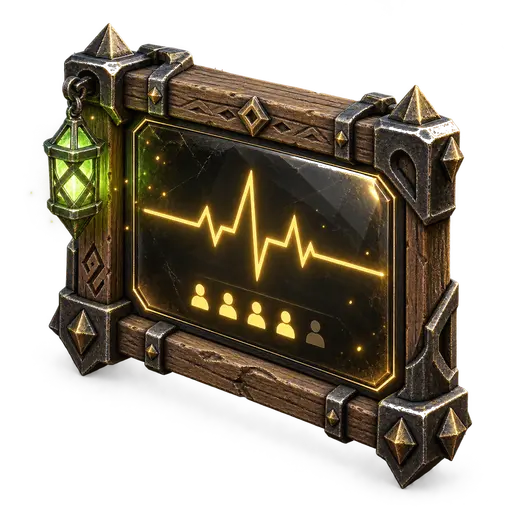
Live status
Whether Ashenfall is up, and how much CPU, RAM and disk it is using right now.
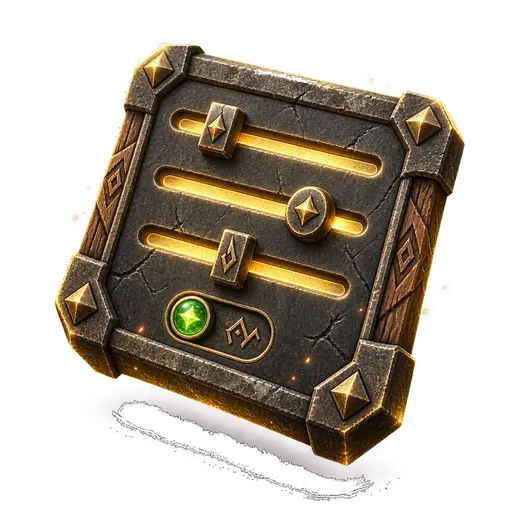
Deployment settings
World name, admin and join passwords, and the owner Player ID — edited here and written into the server config on the next restart.

Choose your location
Place the server in any of 50+ countries, and see which of them have room for it right now.
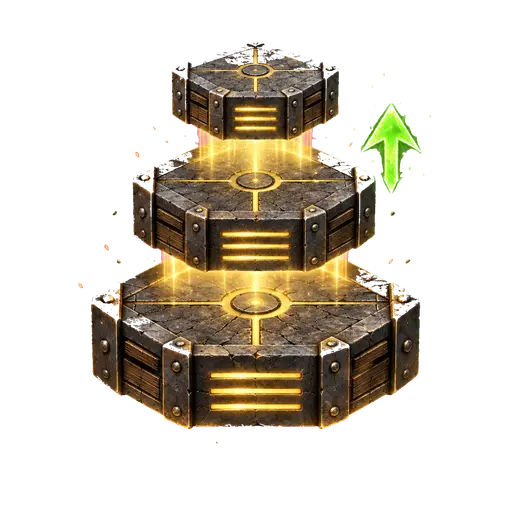
Scale hardware
Add CPU, RAM or disk when your group outgrows the plan it started on.
Mod manager
Upload a pak mod as a .zip, switch mods on or off, and restart. No FTP and no folders to find.
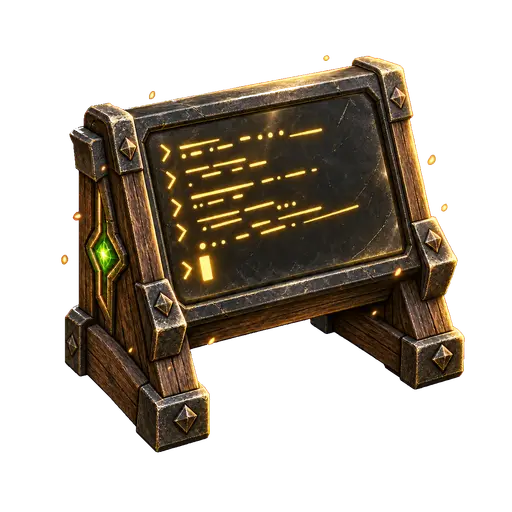
Live console
A real terminal into the container: watch the Steam download on first boot and the server log as it happens.
File manager
Browse, edit, upload and download the server files — including your world saves — straight from the browser.
Backup & restore
Your own backups of the whole server volume, restorable in a click.
Why Host Your Dragonwilds Server on Flux?
RuneScape: Dragonwilds is a co-op game for a small, committed group — six players is as large as a world gets. That makes the world itself the thing worth protecting. Host it from your own game and it exists only while you are playing, and everyone else is dropped the moment you stop. A dedicated Dragonwilds server keeps Ashenfall running around the clock, so your group logs in on its own schedule and nobody's progress depends on one person being at their desk.
Flux is a decentralized cloud that runs on thousands of independent nodes across 50+ countries, rather than in a single company's datacentre. There is no shared centre to lose: the failure of any one node is a local event, not an outage. Your plan reserves its own CPU and RAM instead of taking a slice of a shared box — which matters more here than in most games, because a Dragonwilds server is sized at about 2 GB plus 1 GB per player and has no slack to give away.
The awkward parts of running one are handled. The single UDP port the game needs is opened and routed with the same number inside and out — the mismatch that otherwise drops joining players back to the title screen with nothing in the log to explain it. Enterprise-grade DDoS protection is included on every plan. And the server revalidates its game files against Steam on every start, so moving onto a new build — the 1.0 release included — is a restart rather than a maintenance job.
You still get an ordinary management panel: start, stop and restart the server, change its settings, browse and edit the files, open a live terminal, and take backups of your world. Plans start at $5.49/month, billing is pay-as-you-go with no contract, and your world files are downloadable whenever you want them — there is nothing to be locked into.
Why Host Your Dragonwilds Server With Us
Dedicated RuneScape: Dragonwilds server hosting on the Flux decentralized cloud — instant deploy, DDoS protection, and 50+ global locations
Instant Deployment
Launch your game server in under 30 seconds with automated deployment
DDoS Protection
Enterprise-grade DDoS protection keeps your server online during attacks

Global Server Network
Choose from 50+ countries worldwide to minimize latency for players
24/7 Monitoring
Real-time performance monitoring with automatic alerts

Pay-As-You-Go Pricing
Only pay for resources you use with transparent, flexible pricing
99.9% Uptime
Distributed network architecture ensures maximum availability
Cost Effective
Save up to 70% compared to traditional cloud providers
Decentralized Infrastructure
No single point of failure across thousands of independent nodes
How to Set Up Your Dragonwilds Server
No SteamCMD, no DepotDownloader, no port forwarding. Go from sign-up to a live dedicated server in four steps.
Create an account
Sign up free in seconds with Google, email, or a Flux (ZelCore / SSP) wallet. No commitment.
Pick a plan
Choose the tier that fits your group: 4 GB for two, 6 GB for four, or 8 GB for a full six-player world. You can change it later from the dashboard.
Choose a region
Select a server location from 50+ countries worldwide so Ashenfall runs close to your players for the lowest latency.
Deploy and grab a coffee
Paste your in-game Player ID, name the world, and deploy. The first boot downloads the game files from Steam, so give it ten to twenty minutes before you go looking for it.
Dragonwilds Server Hosting Plans
Dedicated RuneScape: Dragonwilds hosting from $5.49/month — pick the plan that fits your group and be in Ashenfall in minutes.
Dragonwilds 4GB
Dragonwilds 6GB
Dragonwilds 8GB
We don't sell player slots. The player count on each plan is a guide to what its CPU and RAM handle comfortably, not a limit we enforce: the server wants about 2 GB plus 1 GB per player, so six players want the 8 GB plan. Dragonwilds itself holds six players to a world — that is the game's limit, not ours.
*The first week is free for customers new to Flux Cloud: one free week per account, not per app or per server. It takes no card and ends on its own after 7 days unless you choose to keep the server. If you've deployed any app on Flux before, standard pricing applies. Our 30-day money-back guarantee covers your first paid month, whether or not you took the free week first.
Global Dragonwilds Server Locations
Deploy your RuneScape: Dragonwilds dedicated server on a decentralized network of 6,527 Flux nodes across 55 countries — pick the closest region for the best ping.
 Germany1,497
 United States1,102
 Finland1,022
 France697
 Canada373
 Denmark365
 Poland218
 Russia200
 United Kingdom144
 Norway84
 Ukraine66
 Romania50
 Australia48
 Japan48
 Singapore46
 Chile42
 Switzerland41
 Latvia35
 Italy32
 Sweden32
 United Arab Emirates20
 Slovakia20
 Portugal18
 Hungary17
 Bulgaria15
 Spain13
 Belgium12
 South Africa9
 Malaysia9
 Hong Kong8
 Argentina8
 Estonia8
 Israel7
 Luxembourg6
 Ireland6
 Greece6
 Brazil6
 Thailand5
 Moldova4
 Lithuania4
 Vietnam3
 Mexico3
 Slovenia3Germany1,497United States1,102Finland1,022France697Canada373Denmark365Poland218Russia200United Kingdom144Norway84Ukraine66Romania50Australia48Japan48Singapore46Chile42Switzerland41Latvia35Italy32Sweden32United Arab Emirates20Slovakia20Portugal18Hungary17Bulgaria15Spain13Belgium12South Africa9Malaysia9Hong Kong8Argentina8Estonia8Israel7Luxembourg6Ireland6Greece6Brazil6Thailand5Moldova4Lithuania4Vietnam3Mexico3Slovenia3
Dragonwilds Server Features Explained
Six-player worlds on every plan
A Dragonwilds world holds six players. That is Jagex's limit rather than ours, it is enforced by the game, and leaving Early Access at 1.0 did not raise it — so no plan here or anywhere else sells a seventh seat. What we also do not do is sell you those six in instalments: every tier runs the full six. The plans differ in memory, because the server wants roughly 2 GB plus 1 GB per player — 4 GB is comfortable for two, 6 GB for four, 8 GB for a full six. The number beside a plan is what that memory carries well, not a gate.
Updates are a restart
Your server revalidates its game files against Steam every time it starts, so when Jagex ships a build the way onto it is to restart — no image to swap, no DepotDownloader to re-run, no version mismatch locking your group out. That is also how a server moves onto the 1.0 release. The trade is that starts are not instant: budget ten to twenty minutes for the very first boot, while the whole game downloads.
The port, done right
Dragonwilds rides on a single UDP port, and it insists the internal and external numbers match — get that wrong when self-hosting and the world is found, the join begins, and the player lands back on the title screen with nothing in the log to explain it. On Flux the port is opened and routed for you with the numbers matched, so that entire class of problem does not arise.
Settings that cannot drift
The server writes its configuration file fresh from your settings on every start. Change the world name, the admin password or the owner's Player ID in the dashboard, restart, and the file on disk is rewritten to match — what you see in the panel is always what the server is running. You still get a full web file browser with an editor, a live terminal and backups for everything else.
DDoS protection & 99.9% uptime
Enterprise-grade DDoS protection is included on every server at no extra cost, so your world stays reachable under attack. Running on the distributed Flux node network means there is no single point of failure, backing a 99.9% uptime target and 24/7 monitoring that keeps your Dragonwilds server online while you play.
Deploy where your group is
Choose from 50+ countries at deploy time. In a six-player co-op game latency is felt directly, and putting the server near the people playing on it is the single most effective thing you can do for how it feels — one dropdown, no support ticket.
Dragonwilds Server Guides
Everything you need to set up, share and run a Dragonwilds dedicated server for your group.


Frequently Asked Questions
Everything you need to know about our hosting service
Still have questions?
Join our Discord community →