The Forest Server Hosting On the Decentralized Cloud
Rent a dedicated server for The Forest from $6.49/mo. Every server setting in your browser, five save slots, your co-op save uploaded, backups and automatic updates.
Host your own The Forest dedicated server on the Flux decentralized cloud. Always online for your whole group, whoever is playing. Every server setting in a form, five save slots with new worlds in any difficulty, bring your co-op save, an admin password for the in-game commands, automatic game updates, daily restarts and backups. Plans from $6.49/month, with DDoS protection and nodes in 50+ countries.
Manage Everything From One Dashboard
Full control of your server for The Forest from the browser: every server setting, five save slots, your co-op save, files, backups and the live server log. No SSH.
Overview
status, players, the save slot being played and what the server will do next
Live status
Whether your server is up, who is on, the address to join, and how much CPU and RAM it uses right now.
Settings and save slots
Every server setting in a form, five save slots to switch between, new worlds in any difficulty and your co-op save uploaded.
Deployment settings
The name, the join and admin passwords, the difficulty and the daily restart, changed without a redeploy of the world.
Choose your location
Place the server in any of 50+ countries, and see which of them have room for it right now.
Scale hardware
Add CPU, RAM or disk when your group or your base outgrows the plan.
Live console
A terminal into the container beside the game's log as it happens. The game itself has no remote console: admins use the in-game chat.
File manager
Every save slot, the server's settings and the logs, straight from the browser.
Backups
Back up your saves and settings, and restore them when you need to.
Why Host Your The Forest Server on Flux?
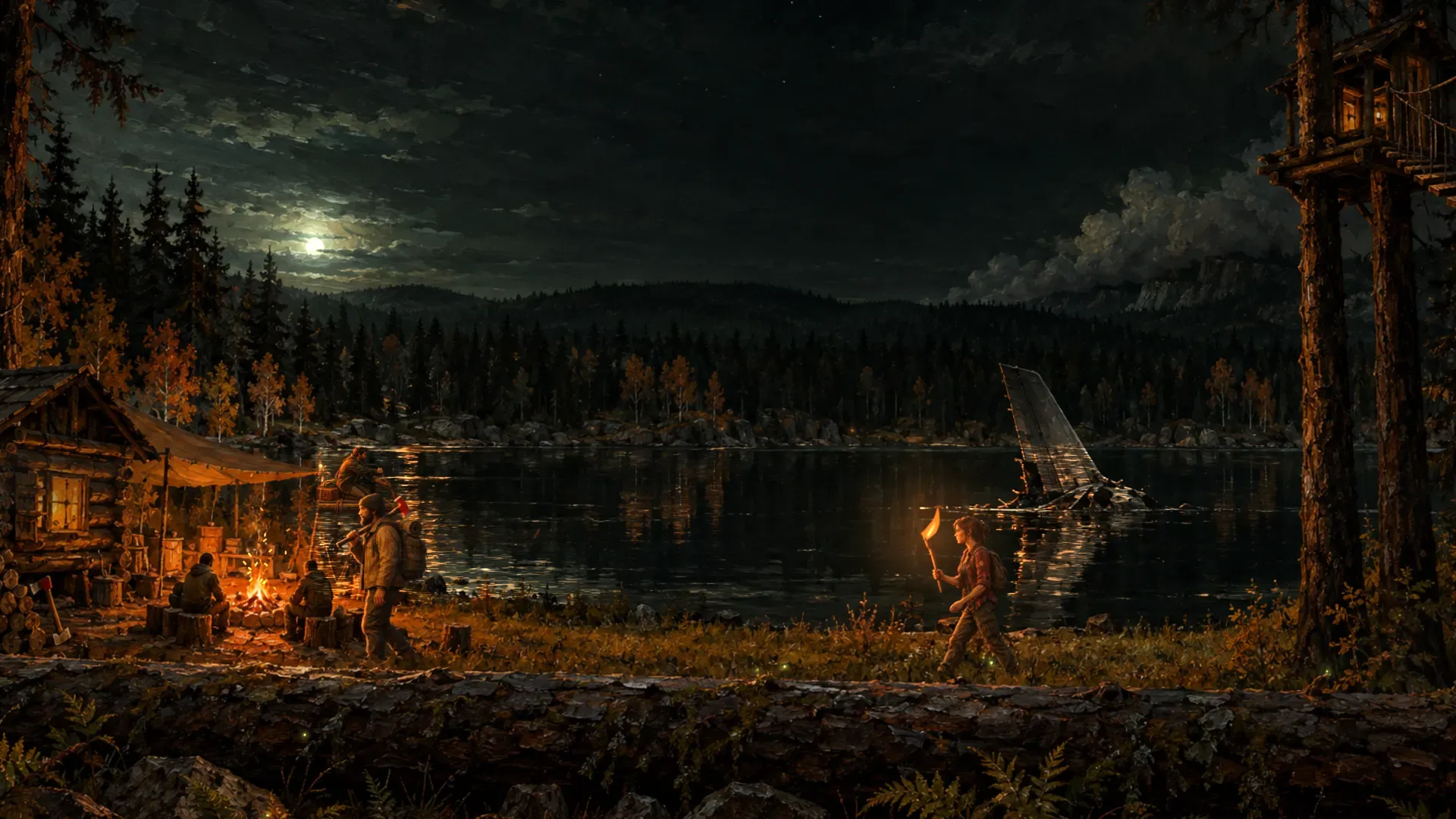
The Forest island is a long story: the base on the cliff, the traps, the caves still unexplored. Played in co-op, it lives on the host's PC and stops when they log off. A dedicated The Forest server keeps it there for the whole group, whoever is playing.
Every plan has dedicated vCores and memory reserved for your server on a decentralized cloud of thousands of independent nodes across 50+ countries, sized for a server that holds the whole island in memory: 4 to 8 GB, depending on the group.
The fiddly parts are handled. Every server setting and game rule is a field in a form, with the game's own default. Keep up to five worlds in save slots, start new ones in any difficulty, or upload the save you played in co-op. Set an admin password and run the server in game with /kick, /ban and /save. A server behind the game refuses players, so this one checks Steam every 30 minutes and restarts onto a new build as soon as nobody is playing.
You still get an ordinary management panel: a file browser, a live terminal and backups. Plans start at $6.49/month, billing is pay-as-you-go with no contract, and your saves are downloadable whenever you want them.
Why Host Your The Forest Server With Us
Dedicated The Forest hosting on the Flux decentralized cloud, with a full settings form, five save slots, automatic updates, DDoS protection and 50+ global locations
Fast Deployment
Provisioned in about 30 seconds; the first start downloads the 1.8 GB server and loads the island in about two minutes
DDoS Protection
Enterprise-grade DDoS protection keeps your server online during attacks

Global Server Network
Choose from 50+ countries worldwide to minimize latency for players
24/7 Monitoring
Real-time performance monitoring with automatic alerts
Pay-As-You-Go Pricing
Only pay for resources you use with transparent, flexible pricing
99.9% Uptime
Distributed network architecture ensures maximum availability
Cost Effective
Save up to 70% compared to traditional cloud providers
Decentralized Infrastructure
No single point of failure across thousands of independent nodes
How to Set Up Your The Forest Server
No SteamCMD, no Wine, no config.cfg to edit, no port forwarding. Go from sign-up to a live server in four steps.
Create an account
Sign up free in seconds with Google, email, or a Flux (ZelCore / SSP) wallet. No commitment.
Pick a plan
Choose 4, 6 or 8 Players for the size of your group and your bases. You can change it later from the dashboard.
Choose a region
Select a server location from 50+ countries worldwide so your server runs close to your players.
Name it and deploy
Give the server its name, a password if you want one and a difficulty, and deploy. Your friends find it by name in the in-game server list.
The Forest Server Plans
Dedicated The Forest hosting from $6.49/month, for 4 players and up, with every server setting in your browser, five save slots, backups and automatic updates on every plan.
4 Players · 4GB
6 Players · 6GB
8 Players · 8GB
We don't sell player slots. The plans start Max Players at 4, 6 and 8 and are a guide to the hardware your group needs; you can change Max Players yourself in the Server Settings tab, from 2 to 100 (the game's own limits), on any plan. A bigger group needs more CPU and memory, which you can add from the dashboard.
*The first week is free for customers new to Flux Cloud: one free week per account, not per app or per server. It takes no card and ends on its own after 7 days unless you choose to keep the server. If you've deployed any app on Flux before, standard pricing applies. Our 30-day money-back guarantee covers your first paid month, whether or not you took the free week first.
Global The Forest Server Locations
Deploy your server for The Forest on a decentralized network of 6,371 Flux nodes across 53 countries. Pick the closest region for the best ping.
 Germany1,439
 United States1,073
 Finland1,011
 France695
 Canada384
 Denmark366
 Poland217
 Russia159
 United Kingdom135
 Norway89
 Ukraine62
 Romania50
 Japan48
 Switzerland43
 Chile42
 Australia41
 Latvia41
 Singapore38
 Sweden32
 Italy29
 Slovakia21
 United Arab Emirates20
 Portugal18
 Spain16
 Bulgaria15
 Belgium12
 Malaysia10
 Hungary9
 Argentina9
 South Africa9
 Hong Kong8
 Estonia8
 Israel7
 Greece6
 Ireland6
 Luxembourg6
 Brazil6
 New Zealand4
 Moldova4
 Vietnam3
 Mexico3
 Lithuania3Germany1,439United States1,073Finland1,011France695Canada384Denmark366Poland217Russia159United Kingdom135Norway89Ukraine62Romania50Japan48Switzerland43Chile42Australia41Latvia41Singapore38Sweden32Italy29Slovakia21United Arab Emirates20Portugal18Spain16Bulgaria15Belgium12Malaysia10Hungary9Argentina9South Africa9Hong Kong8Estonia8Israel7Greece6Ireland6Luxembourg6Brazil6New Zealand4Moldova4Vietnam3Mexico3Lithuania3
The Forest Server Features Explained
Every setting, without the file
The Forest server reads one file, config.cfg, as it starts. Here every key in it is a field: name, passwords, player slots, difficulty, autosave interval, the idle and active tick rates, the game rules. The ports are the deployment's, because the server must bind exactly the ones the network publishes.
The rules, one switch each
No enemies, enemies only at night, whether buildings can be destroyed, trees that grow back, full weapon damage between players, holes in structures that close on load, the debug console: each is a switch, with presets for the common mixes. The difficulty is chosen when a world is made, so a new difficulty means a new world, in a slot of its own, and the old one is kept.
Save slots and your co-op save
The server keeps worlds in five save slots and plays one. Switch between them, start a new one in any difficulty, download any slot, or upload the save your group played in co-op: zip its slot folder from the host's PC and it lands in an empty slot, never over a world.
Saved, backed up, never left behind
The game saves on its own timer while players are on (every 15 minutes at the least) and once when the last player leaves, not when the server stops, so the restarts the server schedules wait for an empty one. Every slot is backed up on every start and every six hours. A server running an older build than the players refuses them, so this one checks Steam every 30 minutes and restarts onto a new build as soon as nobody is playing, or within the hour.
The Forest Server Guides
Everything you need to set up, configure and share The Forest dedicated server with your friends.


Frequently Asked Questions
Everything you need to know about our hosting service
Still have questions?
Join our Discord community →